
Surry County Jail Roster Overview
The Surry County Sheriff's Office is led by Sheriff Steve C. Hiatt and uses Citizen Connect as the official public portal for jail and law-enforcement lookup tools. The inmate channel is labeled Inmate Confinements and is linked by the sheriff and detention pages as the place to search for inmates. It can show current confinements, admits by date range, charge searches, and arresting-agency searches. Citizen Connect also includes Arrest Search, Incident Search, Most Wanted, Daily Report, maps, tip submission, crime alerts, and personnel feedback, so custody research may require more than one sheriff tool.
The roster does not replace the court file. A booking can show that a person was confined, admitted, or associated with a listed charge, but the final court record is maintained through the North Carolina eCourts Portal, clerk terminals, and the Surry County Clerk of Superior Court. The jail roster also is not a state prison, probation, parole, federal inmate, immigration, or complete criminal-history search. For state prison offenders, probationers, and parolees, use the North Carolina Department of Adult Correction offender public information search. For court disposition, use the Surry court record channels.
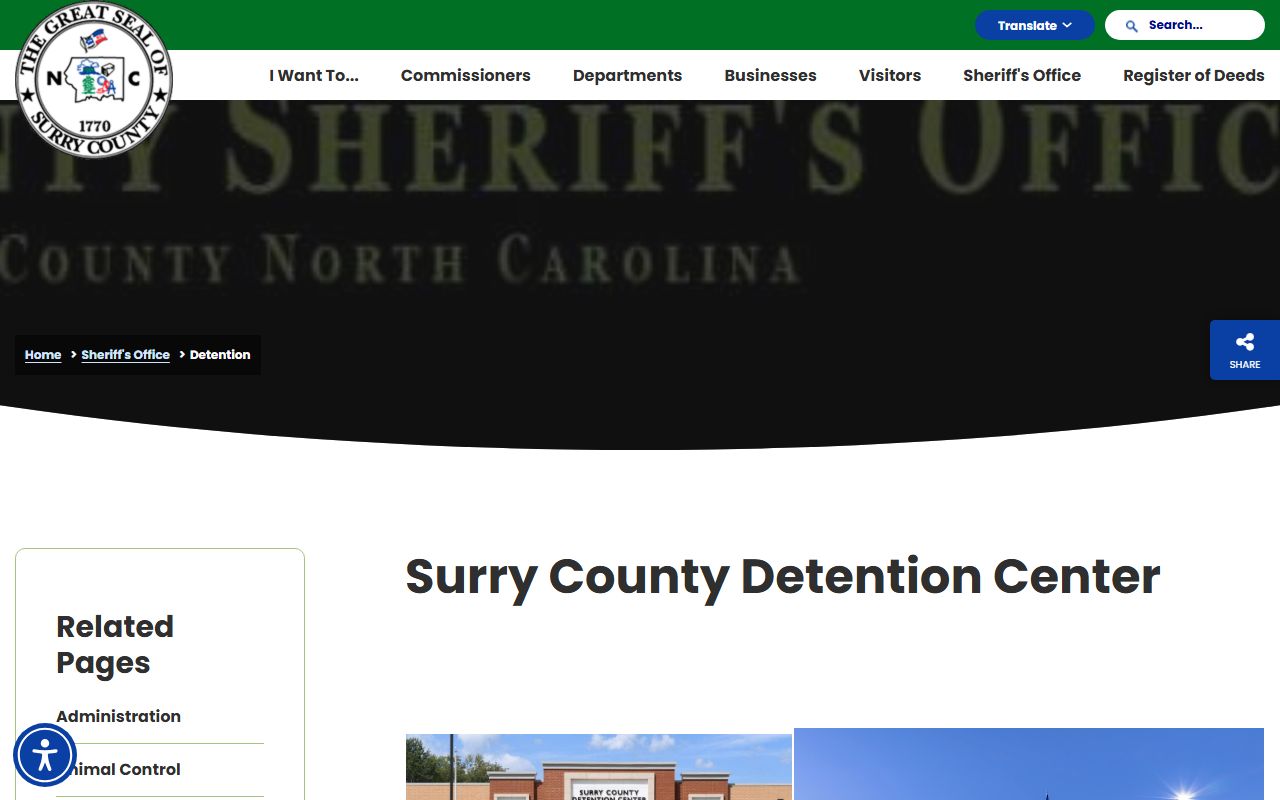
The Surry Detention Center page identifies the jail facility and detention contacts used for local custody questions.
The official detention source is the county's Surry County Detention Center page.
How to Use the Surry County Inmate Roster
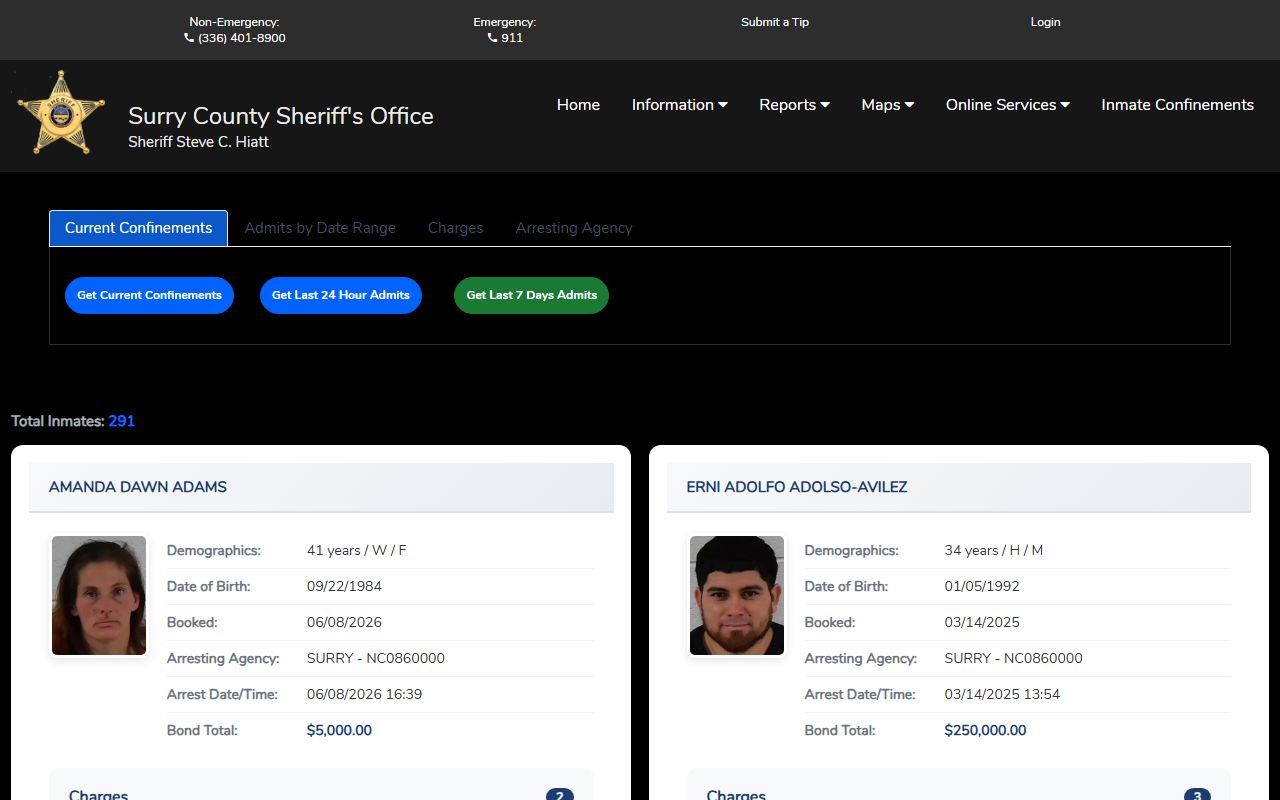
Open Citizen Connect's Inmate Confinements page when the immediate question is whether someone is currently confined in the Surry County Detention Center or was recently admitted. The most reliable search path depends on the fact you have. A current-custody check should begin with Current Confinements. A recent arrest check should use Admits by Date Range. If the name is uncertain but the suspected offense is known, the Charges tab may be useful. If a particular police department or agency made the arrest, the Arresting Agency tab can narrow the list, though the research source noted many agency-name variants.
- Open the official Citizen Connect Inmate Confinements search for Surry County.
- Choose Current Confinements for the present jail list, or choose Admits by Date Range for a recent booking window.
- Use Charges when the offense description is the strongest clue, such as a DWI or other listed charge.
- Use Arresting Agency only when the agency name is known, and try a broader date or charge search if abbreviations or alternate spellings cause missed matches.
- Compare the custody result with Portal or the clerk's office when you need case number, disposition, court date, plea, sentence, or dismissal information.
The roster itself is the Citizen Connect inmate confinement page.
Roster Search Fields
The Citizen Connect inmate search is organized by tabs and action buttons rather than one single name-only box. The captured official search controls support current listings, date ranges, charge text, and arresting-agency dropdowns. The source did not document a public booking-number search field, so booking number should not be treated as a required or available entry point unless it appears in a live rendered result.
| Field Label | Type | Required | Notes |
|---|---|---|---|
| Current Confinements | Tab/button | No | Opens the current inmate listing through the Get Current Confinements action. |
| Admits by Date Range | Tab/button | No | Searches recent admits by custom dates or quick time ranges. |
| Custom date range | Radio option | Optional | Used with start and end date fields for admits searches. |
| Start date | Date text / datepicker | Conditional | Captured format was MM/DD/YYYY, with an example of 06/10/2026. |
| End date | Date text / datepicker | Conditional | Captured format was MM/DD/YYYY, with an example of 06/17/2026. |
| Last 24 hours | Radio option | Optional | Runs a quick recent-admits search. |
| Last 7 days / current week | Radio option | Optional | Runs a broader recent-admits search. |
| Charge | Text | Optional | Placeholder example is "e.g. DUI." |
| Arresting Agency | Dropdown | Optional | Includes sheriff, police, highway patrol, probation, court, DAC, U.S. Marshals, and many variant spellings. |
| Search by Charge / Search by Agency | Submit button | Yes for that tab | Runs the selected search type after the needed field is chosen. |
What an Inmate Profile Shows
The official research captured the public form controls and visible list context, but detail rows and profile fields are JavaScript-rendered. Use careful language when relying on the roster: it is a public listing/search for confinement, admits, charges, and arresting agency, not a promise that every detail is visible to every user. Mugshot references appeared in the page script, but the static source did not expose a confirmed sample photo. Sensitive housing, medical, watch, and protective-custody details should not be expected in the public output.
| Field | What It Shows |
|---|---|
| Name or inmate listing | Current inmate names may appear in the public list when the roster renders. |
| Total inmates count | The search snippet can identify the size of the current confinement result set. |
| Admit or booking context | Date-range admits help identify recent bookings, but the list is not final court disposition. |
| Charges | Charge search connects custody data to alleged charges and should be checked against the court file. |
| Arresting agency | Shows or filters by the agency associated with the arrest, subject to variant agency spellings. |
| Mugshot or photo | May be shown if rendered by Citizen Connect, but it was not confirmed in static text capture. |
Surry County Jail Facilities
The county research identifies one local detention facility for Surry County inmate records: the Surry County Detention Center at 219 Snow Street in Dobson. The Sheriff's Office non-emergency line is separate from the jail administration number. Court files, case copies, and court dates belong with the Clerk of Superior Court at the courthouse, while jail confinement, visitation, mail, phone, and commissary questions belong with the detention center and its vendors.
Surry County Detention Center
219 Snow Street
Dobson, NC 27017
(336) 401-8975
Jail administration: Chief Jail Administrator Tony Holyfield, Operations Lieutenant Randall Jenkins, and Transportation/Records Sergeant Mickey Estes.
Surry County Sheriff's Office
P.O. Box 827
Dobson, NC 27017
(336) 401-8900
Office hours: Monday, Wednesday, Thursday, Friday 8:00 a.m.-5:00 p.m.; Tuesday 8:00 a.m.-8:00 p.m.
Booking Process in Surry County
A Surry County arrest can begin with a deputy, Mount Airy police officer, Elkin police officer, Pilot Mountain police officer, Dobson police officer, highway patrol trooper, probation officer, or another agency. The person may be transported to the detention center, booked, inventoried, and brought before a magistrate or judicial official when required. The research notes that weekend-sentence intake includes inventory and storage of personal property, issuance of jail flip flops, and issuance of a jumpsuit.
Conditions of release and bond determine whether the person remains confined. The related criminal case may appear in District Court or Superior Court depending on the charge level and prosecution route. For case status, court dates, plea, disposition, sentence, or expunction status, use the North Carolina eCourts Portal, a clerk terminal, or the Surry County Clerk of Superior Court at 201 East Kapp Street, Dobson. Booking data should not be described as proof of guilt.
Visitation Hours and Rules
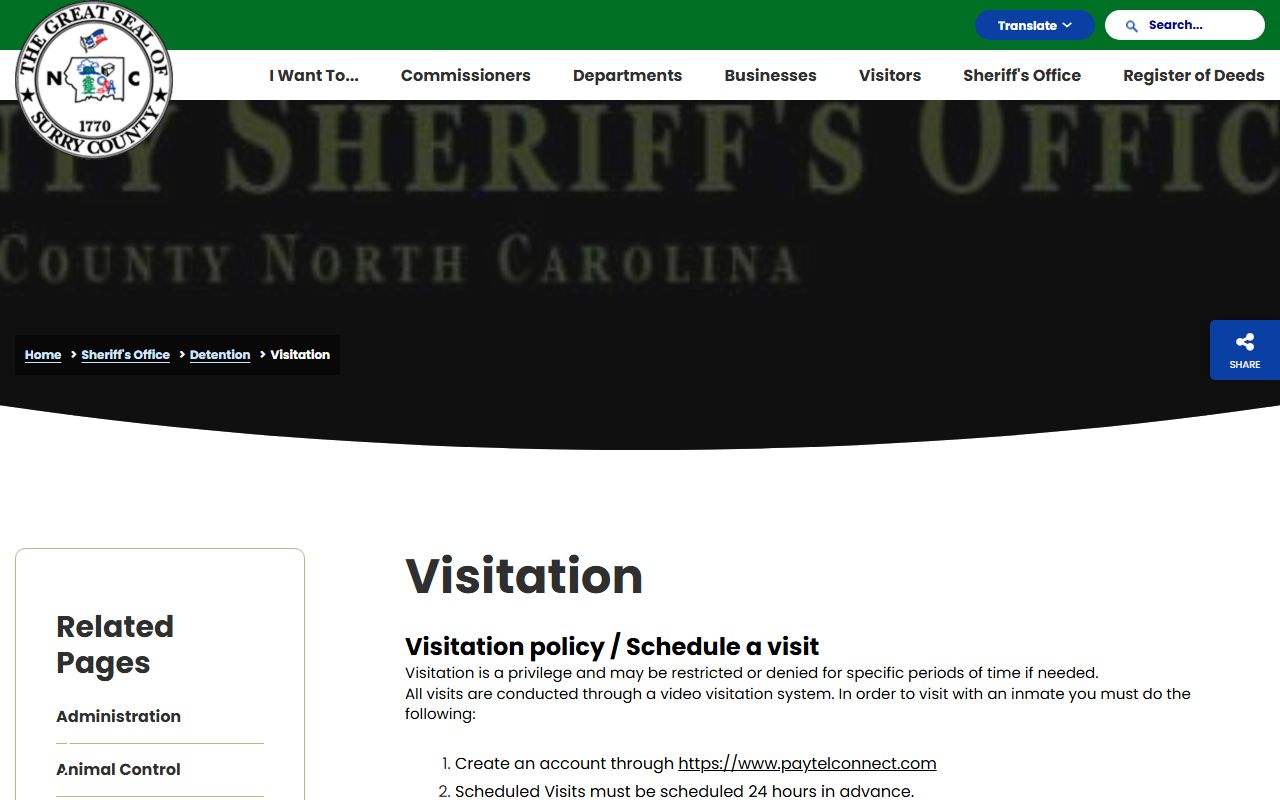
Surry County uses PayTel Connect for video visitation. All visits are conducted through the video visitation system, and both on-site lobby visits and remote family video visits must be scheduled 24 hours in advance. Visitors should log in five minutes before the scheduled start time. The official jail page says visitation is a privilege and may be restricted or denied for specific periods if needed. It also warns that cell phone connections may freeze or drop a remote visit.
| Visit Type | Scheduling | Cost | Notes |
|---|---|---|---|
| On-site video visit | PayTel Connect; schedule 24 hours in advance | Free | Uses lobby monitors; visitor should log in five minutes early. |
| Remote family video visit | PayTel Connect; schedule 24 hours in advance | $0.30 per minute | Requires a good internet connection; cell connections may perform poorly. |
| Professional visit | Professional visitor channel | Not listed | Law enforcement, detectives, probation officers, attorneys, paralegals, and interpreters may visit Monday-Sunday 8:00 a.m.-7:00 p.m. |
| Religious leader visit | Not a professional visit | Not listed | The official page says a religious leader is not considered a professional visit. |
The visitation details come from the official Surry jail video visitation rules.
How to Contact an Inmate
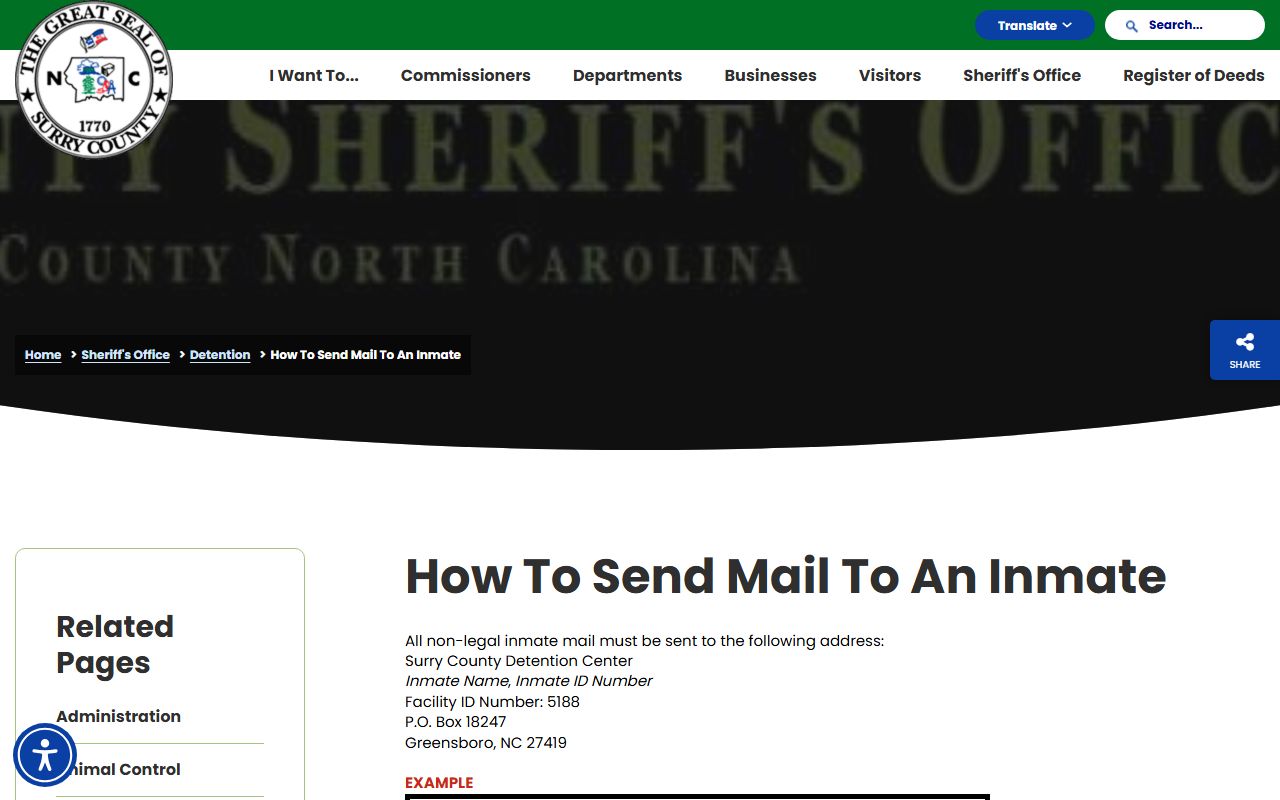
Ordinary non-legal mail is not sent directly to the Dobson jail address. It must be sent to Surry County Detention Center, Inmate Name, Inmate ID Number, Facility ID Number 5188, P.O. Box 18247, Greensboro, NC 27419. The envelope must include the facility name, inmate name, inmate ID number, and facility ID or it will not be scanned. A complete, legible return address with the sender's first and last name is required, and insufficient-postage mail is refused.
Non-legal mail must be 10 pages or less per envelope, no larger than 5 x 11 inches per page, and may include written pages, typed pages, photos, drawings, or greeting cards. It cannot include Polaroids, glitter, glue, tape, 3D elements, electronic components, lights, music, animation, sexually explicit material, gang-related material, illegal content, violent content, drug or alcohol-use content, nude or partially clothed photos, contraband, books, magazines, packages, or original important documents. Approved mail is scanned for tablet access and the physical mail is destroyed.
Legal mail, privileged mail, money orders, softback books, and magazines follow a different route. Legal mail and money orders must be mailed directly to Surry County Detention Center, inmate Name, Inmate ID Number, P.O. Box 827, Dobson, NC 27017. Legal mail must be marked "Legal Mail" and is opened in the inmate's presence. Softback books or magazines must come directly from a vendor to the Dobson P.O. Box, not the Greensboro processing center.
The mail rules are published on the official Surry inmate mail page.
Commissary and Inmate Funds
PayTel Communications provides inmate telephone services, and the jail says each housing area has two phones. Inmates may place collect calls or call numbers through a PayTel account. Because many cell providers do not accept collect calls, family and friends often need a PayTel account for phone contact. Photos sent through PayTel Connect cost $0.25 per approved photo and are charged to the sender, not the inmate.
Commissary services are provided by McDaniel Supply Company. Deposits can be made by mailing a money order to the inmate, delivering a money order to the jail officer on duty, using the lobby kiosk, or depositing online through store.jailpackstore.com. Deposit issues go to McDaniel at 1-912-427-9022. The kiosk is deposit-only, includes a vendor fee, and allows inmate lookup by name. Money orders are held 10 days. Inmates cannot keep money in cells, and account funds may be used for commissary and phone minutes.
Deposits become the inmate's money and are not refunded to a depositor because of depositor error. When an inmate is released, remaining funds are issued by check or debit card after required fees, or the person returns Monday-Friday 8:30 a.m.-4:30 p.m. if banking is unavailable. The jail accepts only money orders for property or account delivery, not cash, and the maximum inmate-account balance is $200.
Weekend-serving rules are narrow. People serving weekends are booked, have property inventoried and stored, and are issued jail clothing. The only allowed personal clothing is white clothing: three pairs of white socks, three white t-shirts, three white pairs of underwear, and three white wireless bras. The jail does not allow books, newspapers, electronic devices, paper, pencils, tobacco products, or other items outside the listed white clothing.